
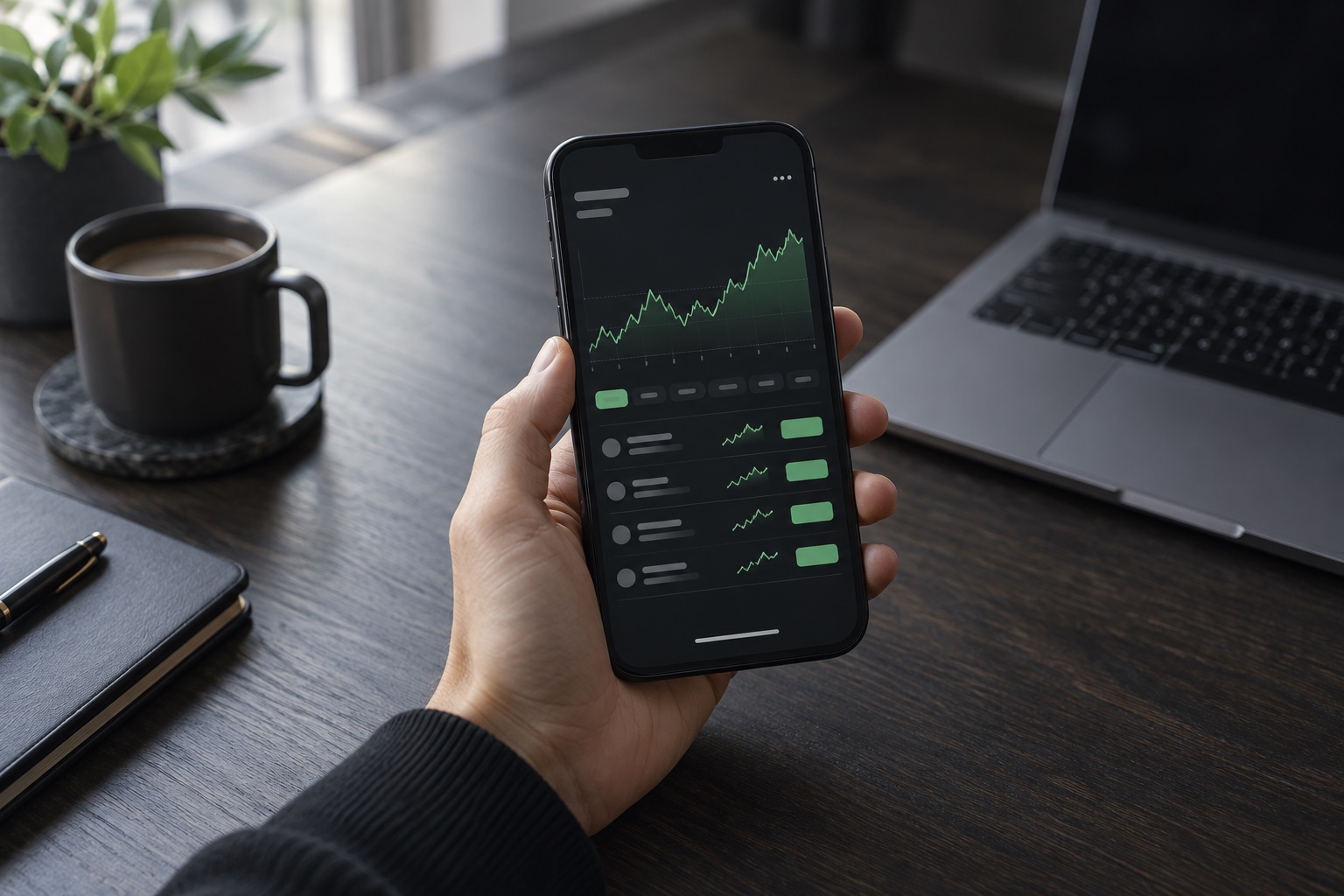
Every position. One clear view.
Follow entries, track unrealized P&L, and review your trade history without losing the bigger picture.
₿
BTC / USDTSample position
Long · 5xA focused workspace for your signals, positions, and risk. Set your rules. Keep the oversight.
 CORE / IN FOCUS
Your strategy. A clearer picture.
From the first signal to the final exit,
keep the details that matter in view.
Follow entries, track unrealized P&L, and review your trade history without losing the bigger picture.
Monitor incoming signals and pending entries through your configured trading server.
Review every trade, partial take-profit and equity change on your own exchange account, in real time.
Define how your bot participates in the market.
Keep your trading rules at the center of every decision.
Scroll through a trading workflow.
Connect your Binance, Bybit or MEXC futures account with an API key restricted to our server. Withdrawals are never allowed.
Next stepSet the size of each position, cap your exposure, and decide when the bot should stop. Your parameters come before the signal.
Next stepFollow incoming signals, open positions, and portfolio movement. Review the details and pause the bot whenever you need to.
Back to the beginningKeep your setup in one place.
Access to the iOS and Android apps is included with every plan. Prices are in USD.
Billed every month
$24.83 / month · billed every 6 months
$20.75 / month · billed every 12 months
Subscribe inside the app: through Google Play on Android or the App Store on iPhone, in your local currency. Subscriptions renew automatically until cancelled; cancel anytime in Google Play or your iPhone settings. See our Refund Policy. For educational purposes only.
The essentials, without the guesswork.
Core is a trading companion built around automated signal following, position monitoring, and configurable risk controls. This website introduces the AutoTradePro app and lets you explore a sample of its workflow.
Download the app, create an account and choose a Monthly, 6 Months or Yearly plan inside the app. On Android you pay through Google Play, on iPhone through the App Store. Subscriptions renew automatically and can be cancelled anytime in Google Play or your iPhone settings.
The app includes a paper-trading mode with simulated prices and a sample portfolio. The interactive preview on this website also uses illustrative data and never places real orders.
The supplied app includes a Binance API connection. Bybit and OKX are marked as coming soon. Availability of live execution depends on your configured trading server and exchange permissions.
The app provides fixed or percentage-based position sizing, leverage settings, a maximum number of open trades, and a daily drawdown limit. Stop-loss and take-profit levels can be tracked for individual positions. These controls do not eliminate trading risk.
Yes. The Core Trading Bot apps for iOS and Android are unlocked through a paid subscription on this website. See the Pricing section for plans; all payments are non-refundable.